

 13 minutes read
A two-attorney firm hires a remote intake assistant and the first week shows what the real system of record is. New leads still sit in a shared inbox. The assistant can't open a matter, attach a document, or log a call without asking someone to update a spreadsheet. Deadlines land on a personal calendar. Time entries wait until Friday. That is the moment case management software stops being a line item and becomes the workspace your remote team lives in every day.
There is no single best case management software for every U.S. firm. Seven well-established platforms cover most practice profiles, from a solo general practice to a plaintiff personal-injury team that needs treatment tracking. The American Bar Association's 2023 Practice Management Technology Report found that 53% of surveyed respondents had case-management software, rising to 78% among firms with 50–99 lawyers. Conflict-checking software was even more common, at 63%. Those gaps matter when a virtual legal assistant is the person who keeps the file current.
This comparison looks at price transparency, which features sit on a higher tier, practice-area fit, and the permission and integration details that matter when assistants handle calendars, documents, and billing support.
Clio Manage is the platform most solo and small firms should demo first when they want matter records, documents, calendars, tasks, timekeeping, billing, and client communication in one cloud workspace. Published plans start at $49 per user per month. Intake, heavier automation, richer permissions, and reporting often sit on a higher tier or on an add-on such as Clio Grow.
For a remote assistant, the daily test is simple. Can they convert a lead into a matter, link the retainer and notes, put the statute and hearings on the legal calendar, and enter time without a second spreadsheet? Clio's matter dashboard is built for that handoff. A client portal and online payments also give the assistant a place to send status and payment links instead of chasing them in email.
Clio's 2023 Legal Trends analysis put a number on why that billing path matters. Among law firms in the data set, the median realization lockup was 38 days and the median collection lockup was 45 days. Firms that emailed bills through the platform had a 91% realization rate, compared with 73% for firms that did not. Firms using an outstanding-balances summary recorded 88%, compared with 70%. Software doesn't cause those gaps by itself, but an assistant who can't see unpaid bills inside the matter can't close them.
Broad fit: General practice, immigration, family, and growing litigation teams can usually start here without building a custom case model.
Tier trap: Don't budget the $49 seat and assume intake routing, automation, and granular permissions are included. Confirm the tier before you hire against it.
Training reality: Clio offers training, support, and data-migration help, which matters more than a feature list when a Latin America-based assistant joins mid-matter.
Litigation shops with very specific plaintiff workflows should still run a demo against a PI-specific tool. Calendar work is where weak permissions show up first. If your assistant owns deadlines, pair the platform choice with a clear legal calendar management routine so court dates don't live only on an attorney's phone.
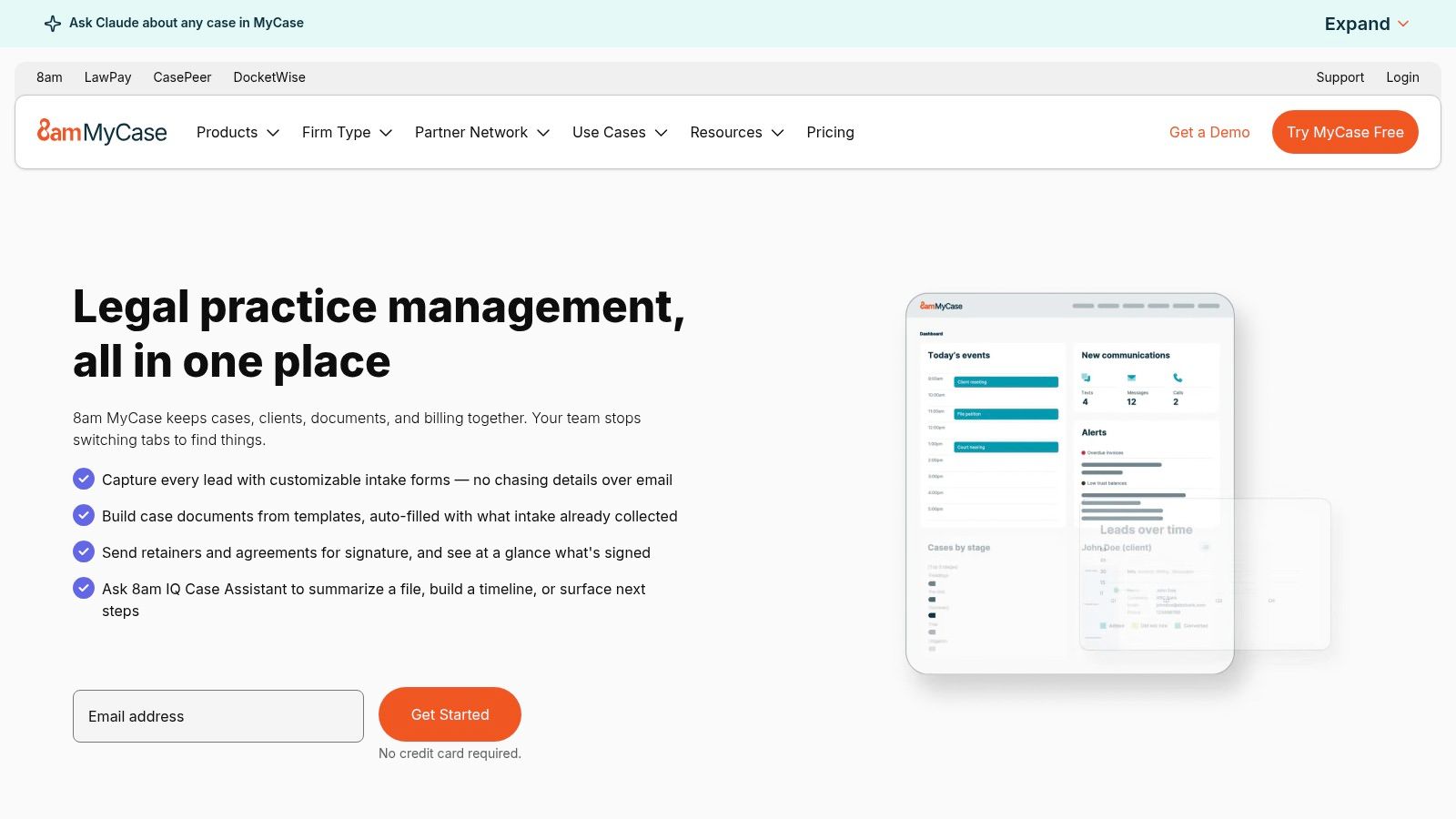
MyCase publishes its pricing, making it easier to compare the cost with the work you plan to assign a remote assistant. Basic costs $50 per user per month with annual billing, or $60 month to month. The 10-day trial does not require a credit card. Pro and Advanced add client intake, legal CRM, workflows, texting, e-signatures, document automation, desktop file sync, and open API access. MyCase Accounting is a separate paid enhancement.
For a small firm adding an intake assistant, the difference between Basic and Pro comes down to daily responsibilities. Basic covers matters, tasks, events, contacts, documents, time entries, invoices, a client portal, and trust-account features. An assistant who maintains matter files, enters calendar events, and updates bills may be able to work in Basic. Routing web leads, texting clients, and moving new matters through workflows requires a tier that includes those functions. Check permissions for the assistant's role before giving offshore staff access to client records.
A 2024 survey of more than 2,600 legal professionals, summarized by ABA Journal, reported that 58% of respondents' firms used law practice management software with online texting. Among firms using such software, 44% reported saving one to two hours per week. These are survey findings about law practice management software generally, not MyCase or its users. They do not establish that choosing MyCase, or a particular MyCase plan, will produce those savings.
Rollout: A small firm without an IT lead should confirm what onboarding and training are included under the current terms rather than assume implementation support comes with the subscription.
Check the invoice: Intake, workflow automation, and expanded client communication are not all included in Basic. Match the current plan details to the assistant's actual tasks before assigning a seat.
Accounting boundary: Trust-account features and MyCase Accounting are separate. Confirm which functions a billing assistant or bookkeeper needs before estimating the total cost.
MyCase fits general practice and small litigation teams looking for matter, calendar, and billing work in one system. Plaintiff firms that need detailed medical-treatment tracking may find it a poor fit.
Filevine is the configurable platform you look at when matters are long, document-heavy, and hard to force into a generic template. Plaintiff firms and larger litigation teams use it for structured workflows, deadlines, document assembly, reporting, and a separate intake path that can capture, qualify, and route leads. Pricing is custom. You don't get a public per-user number. You get a sales conversation and a demo.
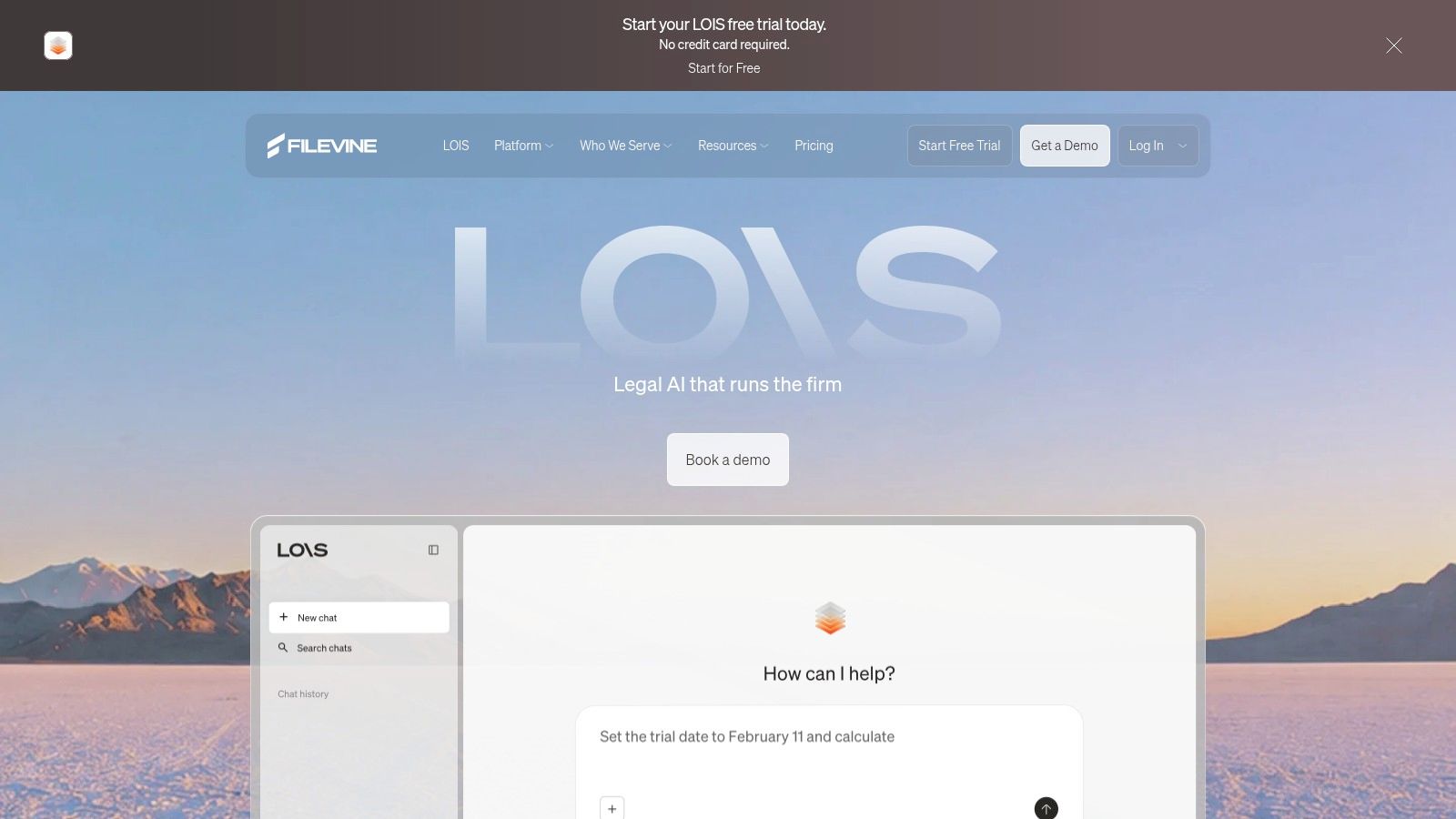
A free LOIS AI trial does not open Filevine case management. Don't treat an AI sandbox as a substitute for testing matter permissions, task ownership, and document sharing with the person who will work the file.
Configuration is the trade-off. Packages and extensions can match a mass-tort docket or a high-volume PI intake desk, and implementation partners plus customer-success support exist because most firms can't improvise that rollout. A solo who needs matters, time, and invoices this month will feel the planning cost. A twenty-lawyer plaintiff group that has outgrown spreadsheets will feel the opposite.

Practical rule: If the assistant can't be limited to intake fields, tasks, and selected documents, the platform is too open for offshore staff, no matter how flexible the workflow looks in a demo.
Before you commit, map one real file from lead to active matter. That exercise is also the cleanest way to explain what legal matter management has to include for your team, including who owns the next task when the attorney is in court.
CASEpeer is built for plaintiff-side personal injury, and it behaves like it. Medical treatment, case expenses, settlement negotiations, and client trust activity sit next to the usual matter, contact, calendar, and task tools. Published pricing is $90 per user per month for Basic, $130 for Pro, and $160 for Advanced. A demo is available. The company says most firms have no long-term contracts or setup fees. Confirm that on your quote.
Basic already lists a client portal and automated statute alerts. Intake, two-way texting, litigation plans, reporting, and integrations move up the ladder. Advanced is where multi-office reporting and data sync live. A case manager who updates treatment status every day will feel the difference between a generic task list and a PI stage board. A family-law or immigration practice will mostly pay for structure it doesn't use.
Intake assistant: Needs the tier that routes leads and logs follow-up. Don't assume texting is on Basic.
Case manager: Treatment, liens, and settlement activity are the reason to pick this over a general platform.
Billing support: Trust activity is visible, but test how time and costs export to whoever closes the books.
Non-PI firms: A broader tool is usually the better fit. Forcing CASEpeer onto a mixed docket creates empty fields nobody maintains.
Run your own case volume through the reporting demo. A template that looks right on a sample rear-end file can still miss the way your office tracks policy limits or records requests.
SmartAdvocate aims at firms that want litigation procedure encoded in the software, not stored in a partner's memory. WorkPlans can generate tasks, documents, emails, and texts from matter status. Intake includes conflict checks and follow-up monitoring. Document management ties into other legal-business tools. You can run it in the cloud or on a server, which still matters to firms that won't put every file in a vendor cloud.
Pricing is quote-based. A free, no-obligation demo is the only public on-ramp. That is fine if you already know you need automated procedures. It is a poor fit if you wanted to compare three invoices this afternoon.
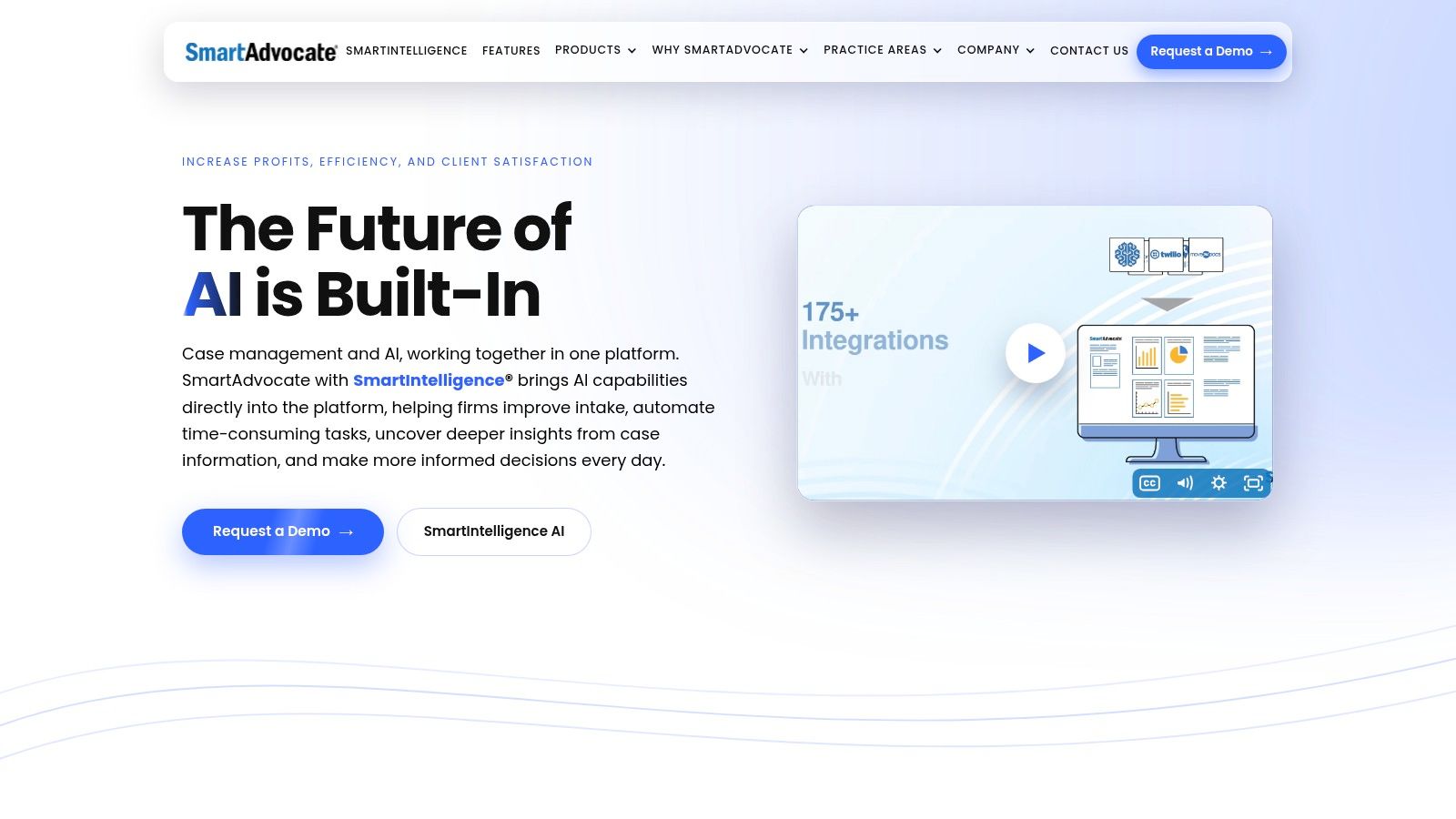
The product can be heavier than a small staff expects. Automated emails and texts are useful only after someone configures the triggers and trains the assistant not to bypass them with a side inbox. Reporting and data export should be tested before purchase, especially if you might leave. A server install also changes who can grant access to a remote user and how fast you can cut that access off.
If your assistants live in browser workflows and you don't have someone to own configuration, start with a simpler cloud system and revisit SmartAdvocate when the process is stable enough to automate.
PracticePanther suits solo and small firms that need matter and contact records, time and expense tracking, tasks, events, document templates, a client portal, and mobile apps without a custom build. Solo starts at $49 per user per month, and the seven-day trial does not require a credit card. For a remote assistant, the practical question is which plan supports the work they will handle.
The Clio's 2025 Legal Trends research reports cloud-based legal practice-management use among 79% of solo firms and 81% of small firms, compared with 47% of larger firms. That context helps explain why a cloud workflow may suit a small practice, but it does not establish which PracticePanther features a particular role needs.
Core matter management and time tracking are available across plans, making Solo a potential fit for a billing assistant who enters time and expenses. An intake assistant who needs forms or texting should evaluate Business; a billing role that handles trust and operating accounting may require Business Pro. These are tier-dependent decisions, not features to assume are included. Before hiring, confirm the current plan grid and pricing page for intake, billing, permissions, and training. Per-user costs can add up when separate reception and bookkeeping roles need different tiers.
Test the intended assistant account during the trial. Have the assistant create a matter, enter a deadline, and save a time entry without admin help. For litigation that depends on statute engines, treatment tracking, or work plans, compare CASEpeer, Filevine, and SmartAdvocate before migrating documents.
Smokeball combines matter, task, calendar, and document management with legal billing, online payments, and trust-account features. Higher plans add practice-area templates, document automation, intake, workflows, and reporting. AutoTime is included with Prosper+ and sold as an add-on for Grow users. Pricing is personalized by firm size, plan, term, and optional services. Ask for an itemized quote before you model headcount.

Automatic time capture is the feature billing assistants notice. Missed billable time is usually a behavior problem, not a missing report, and a tool that records activity on the applicable plan gives the assistant something concrete to reconcile. It doesn't replace review. Someone still has to decide what is billable.
Templates and document automation help repeatable practices, family, estate, and standard civil matters, more than one-off litigation. Onboarding, training, and data-migration options exist, which is useful if you are leaving a desktop system. Check whether the workflow you want is in the browser experience or the desktop app. A remote assistant on a locked-down laptop shouldn't discover that the form they need only runs on one of them.
Document work is where tier mistakes get expensive. If your assistant prepares letters and pleadings every day, confirm automation is on the plan you will buy, and align that work with a deliberate legal document management setup so versions don't fork between email and the matter file.
| Item | Starting Price | Free Trial or Demo | Primary Fit |
|---|---|---|---|
| Clio Manage | $49 per user/month | Not specified | Solo, small, and growing firms seeking broad case management |
| MyCase | $50 per user/month, billed annually | 10-day free trial; no credit card required | Small firms seeking core case, billing, and client-communication tools |
| Filevine | Custom pricing | Demo available; free LOIS AI trial excludes case management | Firms handling complex or litigation-heavy matters |
| CASEpeer | $90 per user/month | Demo available | Plaintiff-side personal injury practices |
| SmartAdvocate | Quote-based | Free, no-obligation demo | Firms with detailed litigation workflows |
| PracticePanther | $49 per user/month | 7-day free trial; no credit card required | Solo practitioners and small firms |
| Smokeball | Personalized quote | Not specified | Firms seeking legal-specific templates, document tools, and billing |
Start with the practice, not the logo. A plaintiff PI docket should shortlist CASEpeer and, if volume and customization justify a sales cycle, Filevine or SmartAdvocate. A solo or small general practice should shortlist Clio Manage, MyCase, and PracticePanther, then add Smokeball if document templates and automatic time capture are daily needs. Keep the shortlist to two or three. A fourth demo rarely changes the answer.
Then test the work your assistant will do on day one. Create a lead, convert it to a matter, assign a task, enter a deadline, restrict the user to the right matters, and send or stage a bill. If a required step is missing, ask which tier adds it and price that tier, not the entry price. Quote-based and custom vendors, Filevine, SmartAdvocate, and Smokeball, can't be budgeted from a webpage. Request the quote before you compare them with a $49 or $50 published seat.
The ABA's 2024 Practice Management TechReport found respondents were generally somewhat satisfied with existing systems rather than very satisfied, and reported availability had fallen from 63% in 2022. Buying the platform isn't the same as running it. Measure whether active matters have current milestones, whether tasks go overdue, and how fast a new contact becomes a documented follow-up. A 2025 legal-technology survey also found 38.8% of firms had no AI integration with existing applications and 31.8% had only limited integration, with document management, case management, and billing among the operational pain points. Don't pay for an AI add-on your matters, mail, and accounting can't see.
If you already have a shortlist, a staffing partner can match bilingual legal assistants who have worked in that system. VirtualLegal screens for platform experience across tools like these and can put a pre-vetted shortlist in front of you before you retrain a generalist on your files.
VirtualLegal connects U.S. law firms with bilingual legal support professionals in Latin America who already work inside case systems such as Clio, MyCase, Filevine, CASEpeer, SmartAdvocate, and Smokeball. You can interview before you hire, with no deposit, for intake, calendar, document, and billing support aligned to your platform. Share your shortlist and role at VirtualLegal.