 13 minutes read
Your receptionist has left, an attorney is still returning client calls, and the phone rings again. The caller wants to know whether your firm can help, but the conversation could quickly move from scheduling into an accident narrative, an immigration history, or a question about a filing deadline. You need someone to answer without letting an automated system conduct an unsupervised legal interview.
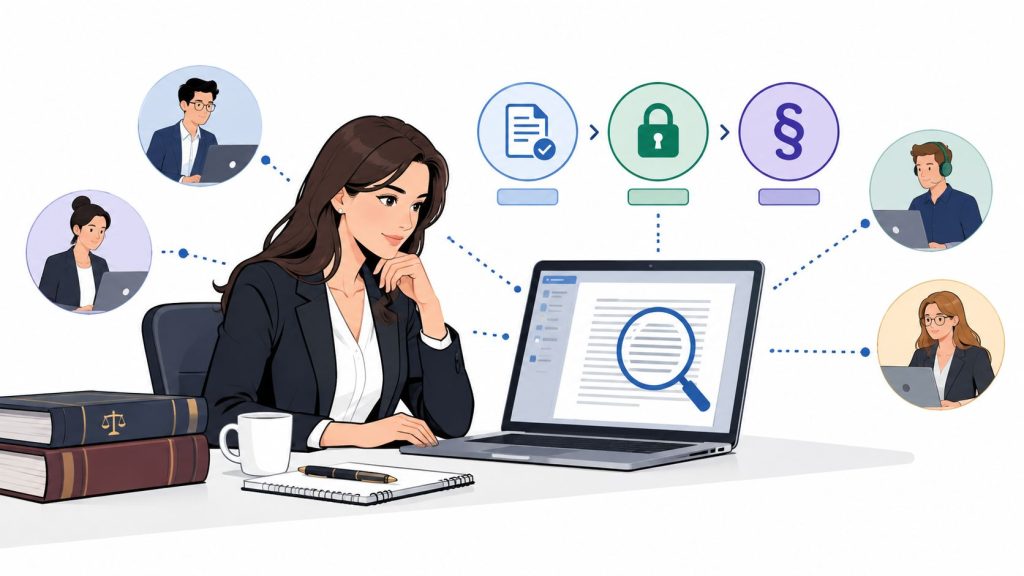
A law firm AI receptionist can handle that first contact, provided you treat it as a controlled intake and routing tool. My recommendation for plaintiff, immigration, and family practices is a hybrid front desk: automation for predictable administrative conversations, with a bilingual human receptionist or intake specialist available when the conversation requires judgment, reassurance, or legal evaluation.
The business problem is real. In Clio's historical research on law-firm responsiveness, only 40% of firms responded to an email inquiry, and more than half didn't respond to voicemail within 72 hours. Those findings identify a response problem, not proof that automation increases signed cases.
The purchasing decision shouldn't start with which voice sounds most natural. Start with what the system may ask, when it must stop, who receives the handoff, and how you'll know a prospective client reached the right next step.
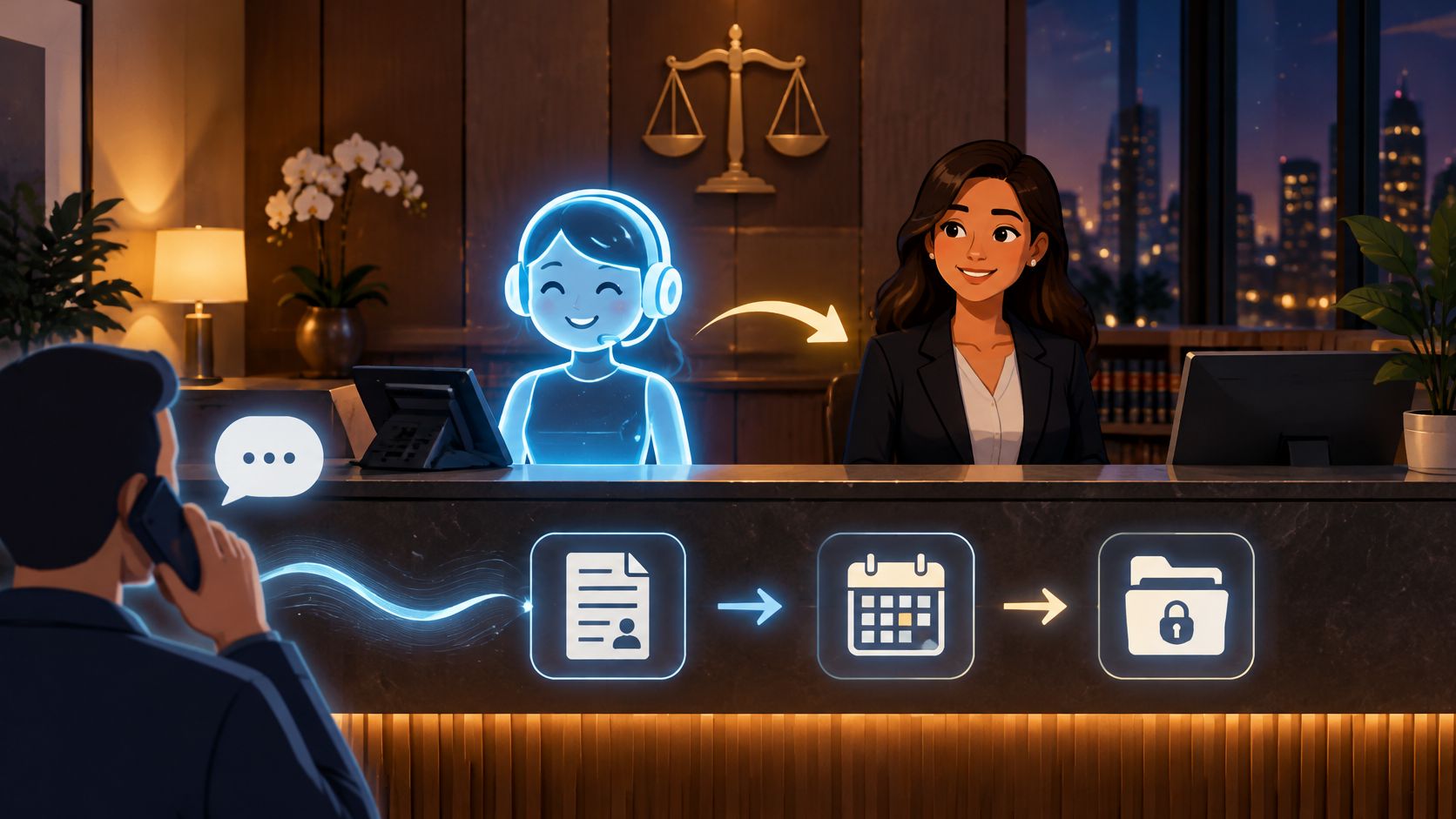
Consider an illustrative after-hours call to a small personal injury firm. A Spanish-speaking caller says a relative was injured and asks whether the firm can help. A useful AI receptionist identifies the preferred language, explains its administrative role, collects approved identifiers, and offers the appropriate next step. It doesn't ask for a complete medical history or estimate what the case might be worth.
That distinction defines the product. A law firm AI receptionist is a constrained conversational system that answers calls and follows firm-approved workflows. Its value depends less on conversational range than on whether it completes bounded tasks without crossing into legal advice.
Use the firm's law firm receptionist duties as the starting point, then separate predictable work from work requiring discretion.
These are functions to test, not capabilities to assume because a vendor advertises legal intake.
The ABA's reporting on its Legal Technology Survey found that 30% of responding lawyers used generative AI in 2024, compared with 11% in 2023. That establishes broader adoption momentum, not the suitability of any particular receptionist.
Operationally, the appeal is straightforward: coverage beyond staffed hours, less dependence on voicemail, and structured information instead of scattered messages. Whether it costs less than a live answering service depends on usage, transfers, integration charges, and staff correction time.

Practical rule: Buy a controlled front door, not an automated legal conversationalist.
The most consequential design decision is what happens before detailed facts are collected. Under the prospective-client confidentiality concerns associated with Model Rule 1.18, a firm should treat an inquiry as potentially sensitive even if it never accepts the matter. A discussion of conflict-aware AI reception identifies the risk of gathering substantive information before conflict screening.
My recommendation is a staged workflow: minimum identifiers, conflict screening under firm procedures, and then authorized intake. The AI shouldn't decide that an uncertain conflict is harmless.
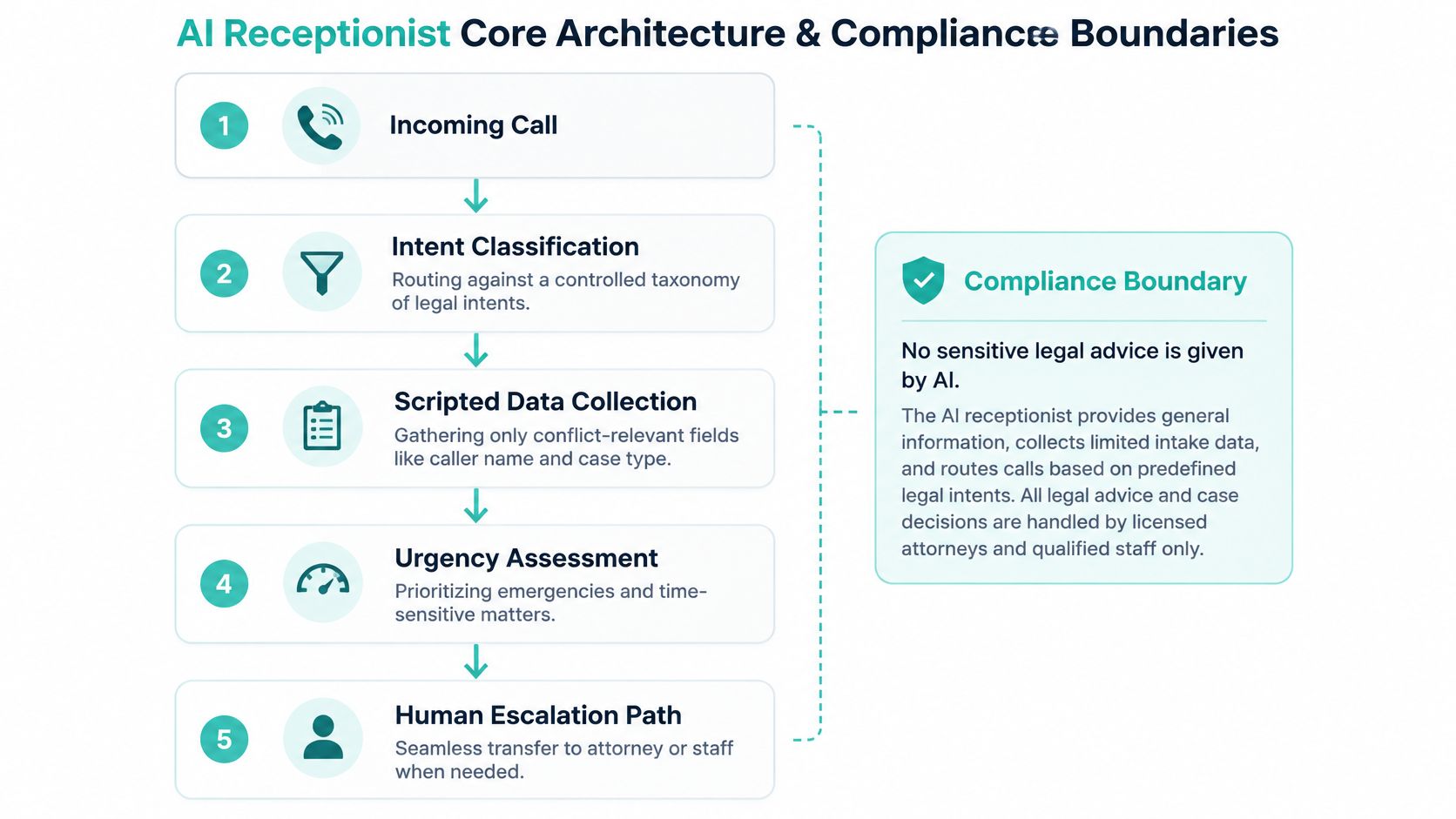
Use this architecture:
Caller statement → controlled intent classification → minimum identifiers → conflict screen or staff review → permitted intake → attorney review.
Urgency detection should operate throughout that path, not only after a questionnaire finishes. A caller mentioning immediate danger, detention, a threatened deadline, or uncertainty about an existing representation should trigger a firm-approved escalation route.
Connect the technical controls to attorney oversight:
ABA Formal Opinion 512 addresses competence, confidentiality, communication, supervision, and reasonable fees when lawyers use generative AI. Those duties are a reason to supervise the entire workflow, not merely approve an opening script.
The ABA's guidance on generative AI and confidentiality explains that Rule 1.6 protections apply regardless of the information's source and warns about exposure through self-learning tools.
Recommended implementation controls include encryption, restricted vendor training, access and export logs, and deletion rules by record category. Keep public FAQ handling separate from protected intake, and have qualified counsel assess applicable consent, recording, and state professional-responsibility requirements. A confidentiality statement in the greeting doesn't substitute for these controls.
For plaintiff, immigration, and family firms, I'd generally choose hybrid coverage over a fully autonomous front desk. That's an operating recommendation based on the work involved, not a claim that hybrid systems produce a documented conversion lift.
The tradeoff is coordination. A hybrid model adds value only when the human recipient is available, knows the escalation rules, and receives usable information. Otherwise, you have added another transfer before voicemail.
| Criterion | AI Only | Bilingual Human | Hybrid |
|---|---|---|---|
| After-hours coverage | Depends on system availability and fallback | Depends on contracted staffing hours | Automation covers designated gaps |
| Conflict screening | Follows configured checks; ambiguity needs review | Can recognize uncertainty and seek review | Automated identifiers, human exceptions |
| Spanish-language support | Requires testing beyond translated scripts | Assess fluency and sensitive-call handling | Routine prompts plus nuanced human support |
| Cost predictability | Review usage, overages, and correction work | Review hours, workload, and coverage | Budget both staffing and automation |
| Attorney time freed | Depends on errors and escalation quality | Depends on training and delegated scope | Can separate routine work from exceptions |
| Missed qualified matters | Risk when callers don't fit the script | Risk when coverage or follow-up is weak | Depends on successful handoffs |
| Conversion assessment | Track qualified consultations, not answered calls | Track follow-through and booking quality | Track outcomes across both stages |
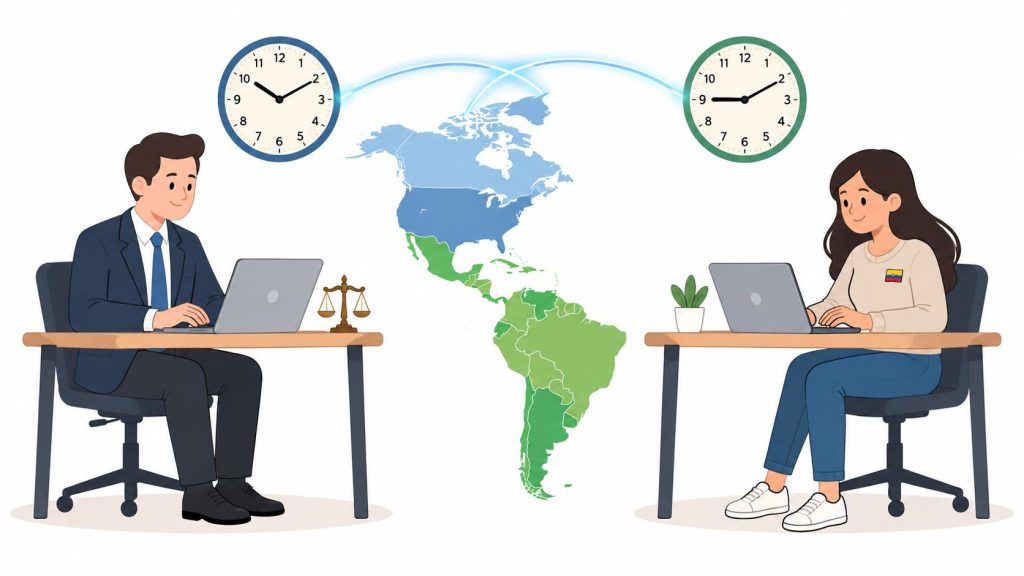
A dedicated bilingual receptionist makes sense when your callers regularly need clarification or reassurance. AI-only coverage is more defensible for tightly bounded administrative requests, provided there's a fallback for anything outside that scope.
For an illustrative solo immigration practice, allow automation to identify English or Spanish preference, collect approved identifiers, and offer permitted consultation appointments. If the caller mentions a prior removal order, U-visa circumstances, or domestic violence, stop substantive questioning and route to a bilingual intake specialist under the firm's protocol.
The human specialist still isn't the legal decision-maker. Their job is to communicate clearly, recognize the limits of administrative intake, and bring the attorney in when required.
In a personal injury practice, a request to reschedule a consultation is different from a frightened caller asking whether to speak with an insurer. In family law, even callback logistics may require care about which number is safe to use.
The AI should never be the final point of contact when the next step requires legal evaluation, empathy, or discretionary judgment.
Keep your existing phone system as the routing foundation unless there's a compelling reason to replace it. Treat RingCentral integration as a configuration project requiring verification, not a feature checkbox: the exact connection method will depend on your account, the AI provider, and the proposed workflow.
The diagram illustrates the intended relationship between phone handling and case-system updates. It isn't evidence that a particular vendor supports every connection.
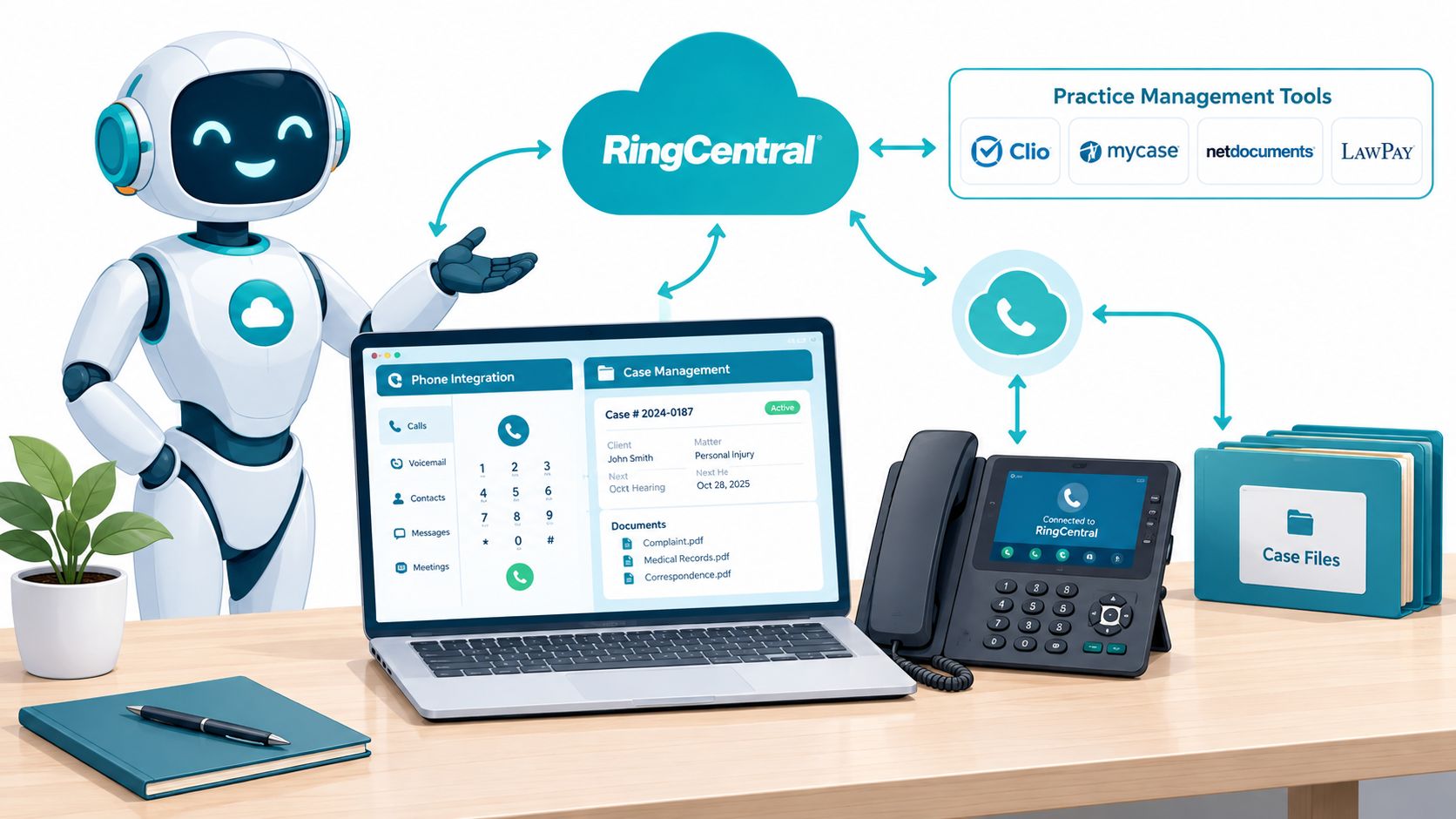
Ask your phone administrator and prospective vendor to demonstrate the proposed RingCentral setup. Confirm whether a dedicated test number, forwarding arrangement, or another supported connection is required.
Don't send callers back to the same unanswered queue indefinitely. Every branch needs an endpoint and an accountable staff owner.
For Clio, MyCase, Filevine, CASEpeer, SmartAdvocate, or Smokeball, require a demonstration in your intended environment. Don't assume that a connector creates the correct lead, checks duplicates, respects permissions, or records consent simply because the vendor lists the platform.
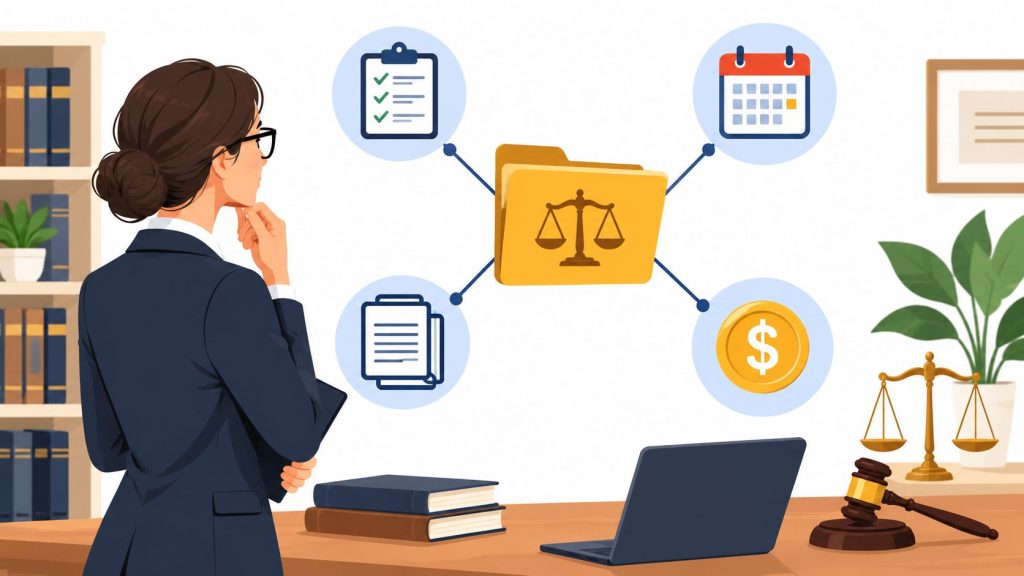
Map fields before launch: caller identity, contact preference, language, screening status, appointment status, routing outcome, and staff owner. Keep an unverified inquiry distinct from an accepted matter, using your firm's legal case management software procedures.
Test the entire call-to-record path with incomplete names, interrupted calls, duplicate contacts, and failed writes. Staff need a visible error queue rather than an integration failure hidden behind a successful call summary.
Spanish-language prompts should preserve the meaning of the English workflow without copying awkward phrasing. Have a bilingual reviewer assess names, read-backs, and transfer instructions, and use text confirmations only with appropriate permission and non-sensitive wording. A polished voice doesn't compensate for an appointment that never reaches the calendar.
Tell callers they're speaking with automation and make the human option easy to use. Don't try to pass the system off as a person to protect booking numbers. A caller who understands the interaction can make an informed choice about continuing.
Clio's discussion of AI disclosure reports that 78% of clients want firms to disclose AI use, while only 18% of surveyed firms always do so. That gap supports treating transparency as a client-experience priority, but it doesn't prove that a particular disclosure script increases consultations.
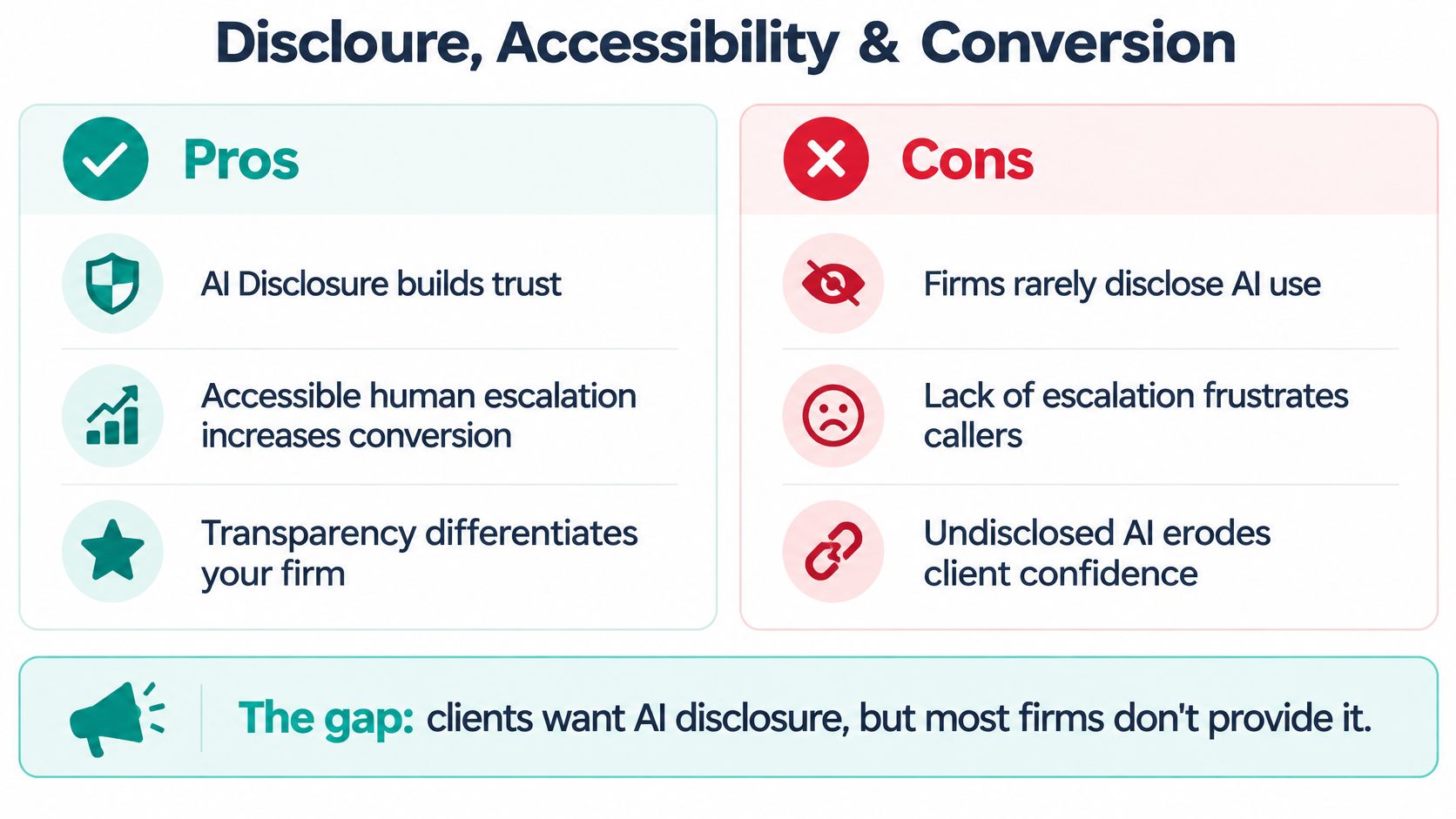
A proposed script could say:
You've reached the firm's automated receptionist. I can help with scheduling and messages, or connect you with a team member. Please avoid sharing detailed confidential information until our team completes the appropriate screening.
Adapt that wording to the actual workflow. Don't promise an immediate connection when no human is available; offer an honest callback or voicemail option instead.
Your legal intake specialist's role should include managing these handoffs, not just pursuing people who abandon the automated interaction. Define safe contact preferences before sending follow-ups, especially where another person may see the caller's messages.
Test whether callers can interrupt, repeat information, change language, and request help without completing the questionnaire. Speech impairments, unfamiliarity with voice menus, emotional distress, and limited digital literacy should be part of scenario testing.
Test concise disclosure variants, but don't test transparency against concealment. Keep the disclosure itself constant and compare clarity, length, and placement of the human option.
For U.S. firms, the practical recommendation is straightforward: design for understandable disclosure and accessible escalation now. Confirm jurisdiction-specific requirements with counsel rather than borrowing a compliance statement from another market.
A convincing demo is not an acceptance test. Ask vendors to handle scenarios drawn from your workflows, using synthetic or appropriately de-identified information. Include a caller who changes topics, an uncertain conflict, a Spanish-language conversation, and a request for legal advice.
Weight confidentiality, advice prevention, and escalation as pass-or-fail requirements. A pleasant voice or inexpensive subscription shouldn't offset a failure in those categories.
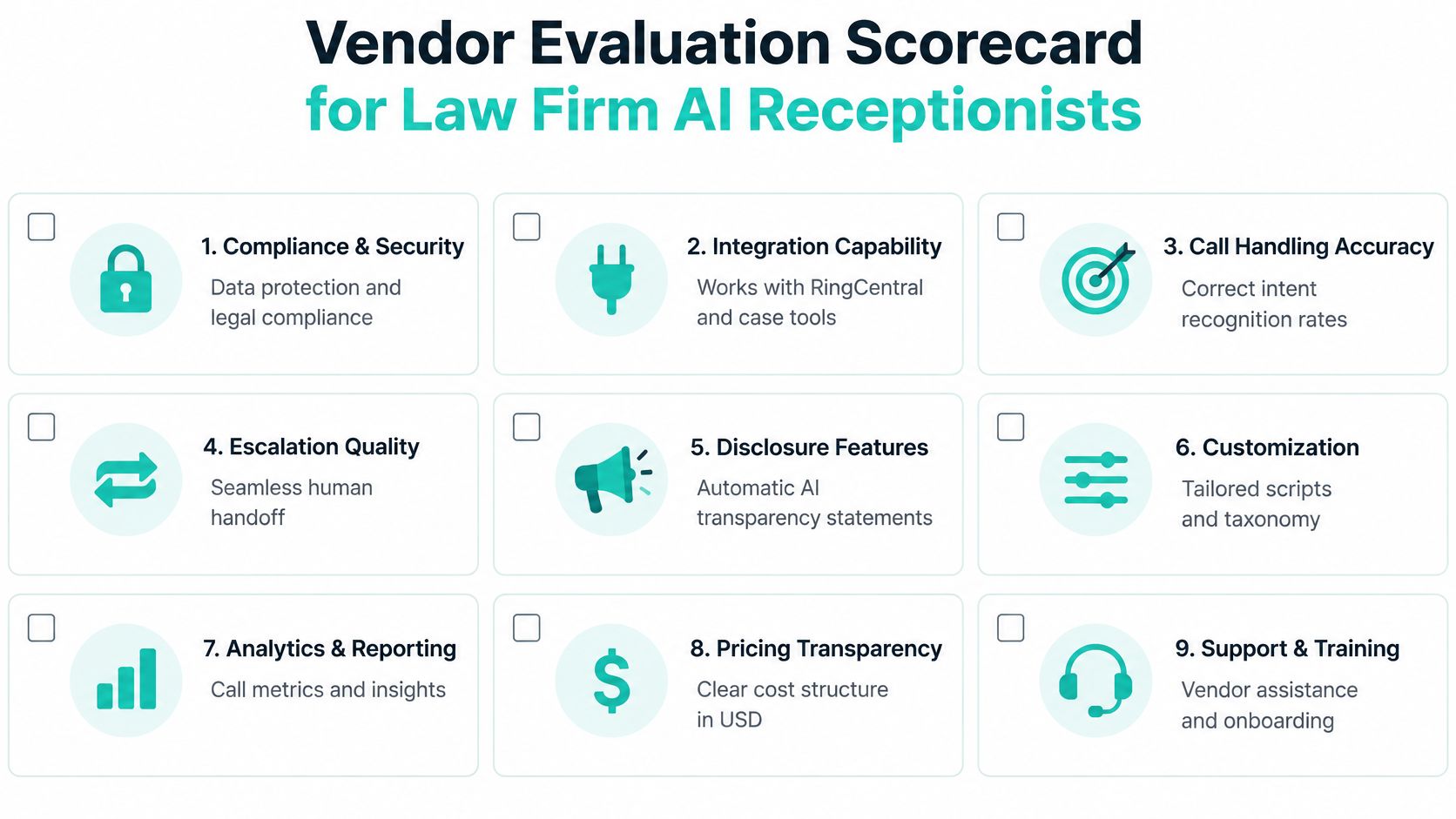
| Evaluation criterion | Evidence to request | Decision weight |
|---|---|---|
| Confidentiality and access | Data-flow explanation, permissions, access logs, and contractual safeguards | Launch gate |
| Intent accuracy | Results against your labeled test scenarios, including uncertainty | High |
| Hallucination and escalation controls | Demonstrated advice refusal, configurable thresholds, and completed handoffs | Launch gate |
| Retention and deletion | Separate controls for audio, transcripts, summaries, and exports | High |
| Training restrictions | Written restrictions covering firm data and relevant subprocessors | Launch gate |
| Integration depth | Successful calls through your phone system into the intended records | High |
| Spanish-language quality | Independent bilingual review of realistic calls | High where relevant |
| Pricing transparency | Usage, setup, transfers, overages, integration, and support terms | Commercial review |
| Comparable references | Conversations with firms handling similar inquiry types | Supporting evidence |
The vendor should also demonstrate disclosure settings, editable scripts, reporting, and support procedures. Ask who can change a prompt, who approves that change, and whether you can reconstruct which workflow handled a disputed call.
Use a separate tracked number for a limited pilot before switching production traffic. Establish acceptance criteria before testing, then compare transcripts, routing decisions, bookings, and case-system records with staff review.
Record errors by consequence, not just frequency. A missed appointment slot and an invented deadline aren't equivalent, even if both appear as a single failed interaction.
Reject vendors that won't explain escalation logic, won't negotiate appropriate confidentiality and data-processing terms, or retain broad rights to train on confidential call content. Require clarity about deletion after termination and how subcontractors handle information.
Don't request a "BAA-equivalent" as though it were a legal-industry certification. A HIPAA business associate agreement has a particular healthcare purpose; law firms need contractual protections suited to their information, professional duties, and applicable law. Have qualified counsel review those terms rather than relying on a vendor's compliance badge.
A law firm AI receptionist is useful when you narrowly define its authority and verify what happens after each call. For solo and small firms, start with a bounded coverage gap rather than replacing the entire front desk; midsize firms should assign clear operational and attorney owners before adding more routing branches. For practices handling sensitive plaintiff, immigration, or family inquiries, my recommendation remains a hybrid model with bilingual human support.
During your initial operating review, track intent-classification accuracy, transfer rate, abandoned-call rate, qualified-booking rate, hallucination incidents, and calls requiring human correction. Review those outcomes together: a low transfer rate isn't a success if the system kept conversations it should have escalated, and a busy calendar isn't proof of effective intake. Make expansion contingent on safe handoffs and useful consultations, not the volume of calls the software reports handling.
VirtualLegal connects U.S. law firms with bilingual remote receptionists and intake specialists who have prior U.S. law-firm experience. If you're building a hybrid front desk, visit VirtualLegal to discuss human coverage aligned with your routing rules, software, and schedule.